2025–2026 / Project
Keeping engineering printers and student projects working
Calibration, maintenance, OctoPrint and firmware for SGU’s 3D printers, and practical print-design advice that got a student’s robot driveshaft working.
As a teaching assistant at Swiss German University, I looked after the lab’s 3D printers and helped students turn their CAD models into parts that worked.
Printers and profiles
I supported Bambu Lab A1 Mini and A1 printers and Creality Ender 6 and Ender 7 printers. For each filament type I calibrated flow, maximum volumetric speed and temperature, and I set support Z distances. I also built profiles for fast draft prints, detailed prints, strong parts and different nozzle sizes, so students could pick a setting instead of guessing.
OctoPrint and firmware
The older Creality printers had no network control. I set up OctoPrint on spare Raspberry Pi 3 boards from the lab, updated the Ender 6 and Ender 7 firmware and connected the printers to the workshop network.
Routine upkeep
Recurring work included troubleshooting the workshop network, cleaning, tensioning belts, greasing and oiling, and full teardowns and tune-ups when a printer needed one.
A student’s driveshaft
A student’s robot driveshaft, printed standing upright, snapped along its layer lines. I suggested printing it in a different orientation and changing the geometry to suit printing, for example as two half-round pieces lying flat on the bed, and I checked the bearing clearances in their CAD model. The student changed the design; the new shaft held up and fitted the bearings with an interference fit.
Personal printers
Separately from the lab, I rebuilt my own Ender 3 in the Netherlands with custom part cooling, a high-flow hotend, a direct-drive dual-gear extruder, a BTT SKR E3 board, a TFT screen, automatic bed levelling and Klipper, with remote monitoring for long prints. It printed faster and more consistently afterwards.
Related work
All projectsCase study: Human-reviewed AI document workflows
How I built AI tools that read operational documents while keeping a person responsible for every record that matters. A two-minute read.
View project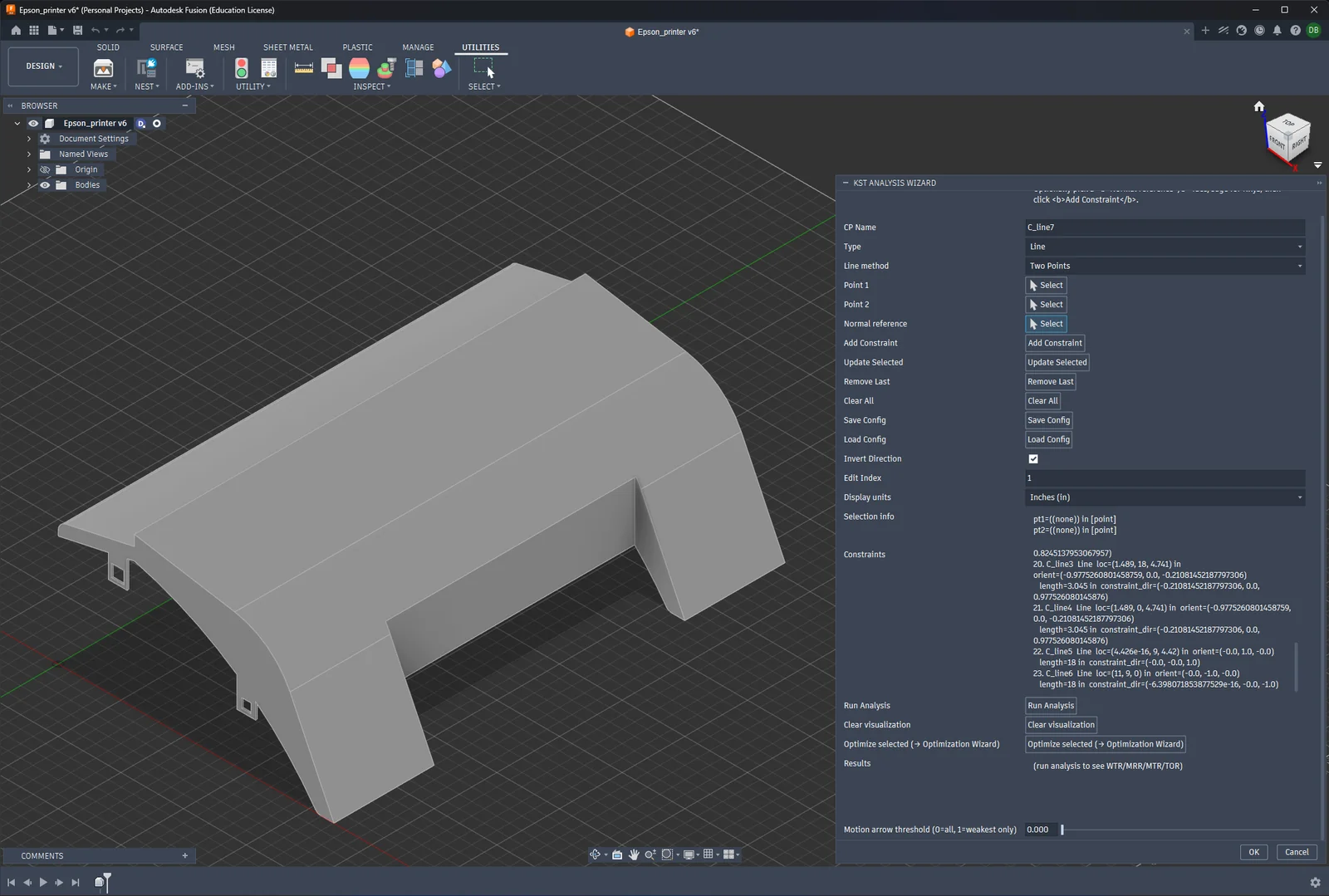
CAD-Integrated KST Assembly Rating Tool
A verified Python and Fusion 360 workflow for analyzing how assembly features constrain rigid-body motion.
View project